15 November 2026
Practical Steps to Reduce Costs When Using LLM APIs
Presented by @modelmakers
Running applications on large language models can get expensive fast, especially when you are paying list price for every request. The good news is that there are concrete ways to lower the cost of production LLM API calls without sacrificing quality. This article walks through the main levers you can pull, from choosing the right provider to tuning how you use tokens.
Understand What You Are Paying For
Most LLM APIs charge based on the number of tokens you send and receive. Input tokens are the text you send to the model, and output tokens are the text the model generates. Different models have different rates for each. Some providers also add usage limits or monthly subscription fees that can inflate your bill if you are not careful. Before you can reduce costs, you need to know your current spend. Pull up your billing dashboard and look at the breakdown between input and output tokens across your requests. This tells you where the money is going.
Choose a Provider That Offers Competitive Rates
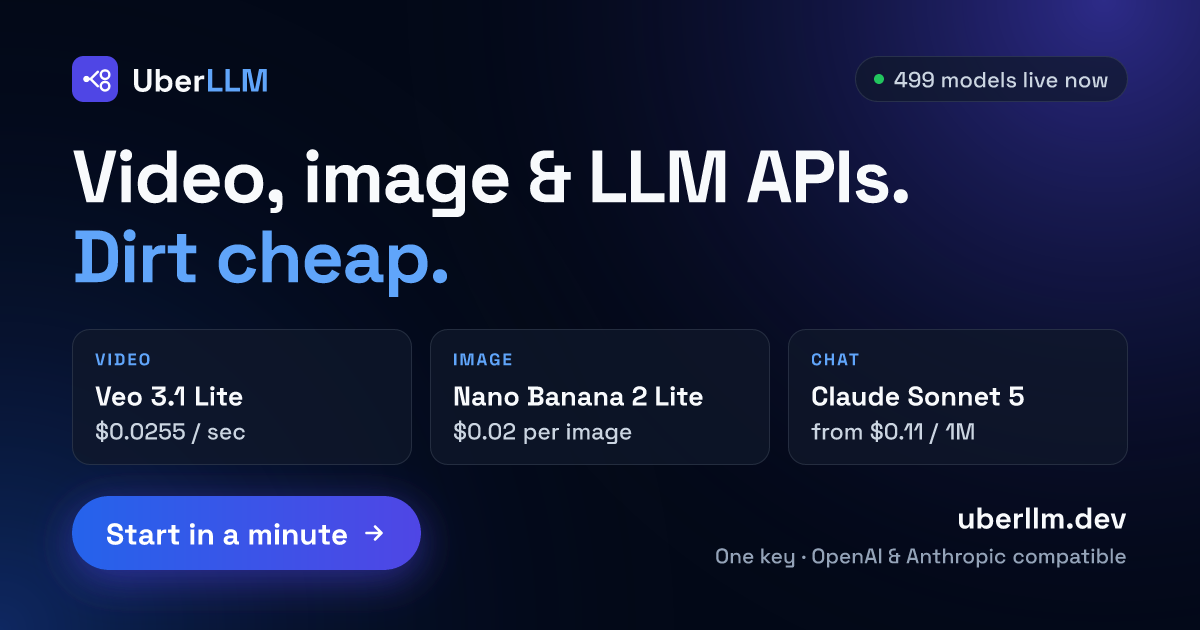
The simplest way to lower your per-request cost is to use a provider that does not mark up the base model prices. Many resellers offer access to the same models at rates below list price. For example, uberllm.dev provides an API that is compatible with OpenAI and Anthropic, letting you call models from multiple sellers through a single endpoint. Because sellers compete on price, you can often get the same output for less. There is no subscription fee, and you only pay for what you use. This kind of setup lets you shop around without changing your code.
When evaluating a provider, check whether they charge extra for high request volume or impose hidden usage limits. A cheap AI model API should be transparent about its token pricing and billing balance. Look for a service that lets you monitor your spend in real time so you can adjust your usage before the bill surprises you.
Optimise Your Prompt Design
Long prompts cost more because you pay for every input token. A well-designed prompt says more with fewer words. Remove any boilerplate instructions that the model already knows, such as repeating the same system message across every request. If you are using a chat-based model, keep the conversation context as short as possible. Trim old messages that are no longer needed. This reduces both input token count and the processing time, which can lower your overall cost.
Also consider whether you really need the model to produce a long response. Sometimes you can ask for a concise answer and save on output tokens. Set max_tokens to a sensible limit rather than leaving it at the default maximum. This prevents the model from rambling and costing you more.
Batch Requests When Possible
If your application can tolerate a small delay, batching multiple prompts into a single API call can cut costs. Some providers offer discounted rates for batch processing because it reduces overhead on their end. Even without a discount, sending fewer requests means you hit usage limits less often and reduce the overhead of connection setup. Check your provider’s documentation to see if they support batching and what the limits are. Be careful not to batch prompts that need immediate responses, as latency will increase.
Cache Common Responses
If your application frequently asks the same or similar questions, you can store the results locally and avoid calling the API again. For example, if you are generating product descriptions or answering FAQs, a simple cache can handle many requests without touching the API at all. This approach works best when the input is deterministic and the output does not change. For tasks that require fresh answers, caching is less useful, but even a small hit rate can reduce your overall token spend significantly.
When you cache, you also reduce the load on the provider, which can help you stay within any usage limits they impose. Just make sure your cache has a clear invalidation policy so you do not serve stale data.
Monitor Usage and Set Alerts
Cost monitoring is essential. Without it, you can run up a large bill before you notice. Most providers offer dashboards that show your token consumption and billing balance over time. Set up alerts that notify you when you cross a certain threshold, such as a daily token limit or a weekly spend cap. Some services also let you set hard limits that stop further requests until you review the situation. This prevents runaway costs from a bug or unexpected traffic spike.
Review your usage logs periodically to spot patterns. Maybe one endpoint is using a much more expensive model than needed, or a certain prompt is generating unusually long outputs. Once you identify the source, you can adjust accordingly. A cheap AI model API is only cheap if you keep an eye on how you use it.
Consider Model Tier and Task Fit
Not every task needs the most powerful model. If you are doing simple classification, extraction, or translation, a smaller model may work just as well and cost less. Many providers let you choose from a range of models with different capabilities and price points. Test your use case with a cheaper model first. If the quality is acceptable, switch to it for the majority of your requests. Reserve the expensive models for tasks that genuinely require high reasoning or creativity.
You can also mix models within the same application. For example, use a fast, cheap model for the first pass and only call a more expensive model when the cheap one fails a confidence check. This hybrid approach keeps average cost low while maintaining overall quality.
Watch for Hidden Fees
Some providers charge extra for features like fine-tuning, dedicated endpoints, or priority support. Read the fine print before committing. A low per-token rate can be misleading if there is a minimum monthly commitment or a fee for high request volume. Look for a provider that aligns with your usage pattern. If you have bursty traffic, avoid services that penalize spikes. If you have steady, low-volume usage, avoid those with high base fees.
One way to avoid these surprises is to choose a service that offers a simple, pay-as-you-go model with no subscription. For example, uberllm.dev charges no subscription fee and no fee on requests. You only pay for the tokens you use, and the sellers compete on price to give you the best rate. This transparency makes it easier to predict your costs and scale up or down without penalty.
Test Before You Commit
Before you integrate a new provider into production, run a small-scale test with your actual workload. Measure the token cost per request, the response time, and the reliability. Compare it to your current provider. A provider that looks cheap on paper may have higher latency or more downtime, which can cost you in other ways. A short trial period gives you confidence that the cost savings are real and that the service meets your quality standards.
Also check the provider’s documentation for any rate limits or usage limits that could affect your application. Some cheap AI model APIs cap the number of requests per minute or per day. If your application needs high throughput, those limits could become a bottleneck. Make sure the provider’s limits match your expected volume.
Reducing the cost of production LLM API calls is a matter of understanding your usage, choosing the right provider, and applying a few smart practices. By monitoring your spend, optimizing your prompts, caching where possible, and selecting the appropriate model for each task, you can keep your bills manageable without compromising on functionality. The market for LLM APIs is competitive, and there are good options for developers who want to keep costs low while still accessing state-of-the-art models.